Nkata: how a feedback problem became a product
Designed and built Nkata, a Chrome extension and web dashboard that lets teams pin feedback directly on live websites and web apps.
Overview.
Nkata is a Chrome extension and web dashboard that lets teams pin comments directly on live websites and web apps. I designed and built it as a personal development project at work, starting in April, and we used it internally before I shared it publicly. The name means "conversation" in Igbo.
The problem.
During a project, our team needed to collaborate on a shipped product. It involved both a website and a web app, and the feedback was everywhere. Screenshots in Discord. Red circles in emails. A Loom nobody watched. A Notion doc nobody updated.
The same loop kept repeating: "Scroll down a bit. No, the other section." Every comment lost its context the moment it left the page it was about. We spent more time explaining where the issue was than fixing it.
The idea.
If the problem is that feedback is separated from the product, put the feedback on the product. Open any live page, click the element you mean, leave a comment. Teammates open the same URL and see it exactly where it was left.
How it works.
- Install the extension and sign in. Install the Nkata Chrome extension and create a free account. It sits in your toolbar until you need it.
- Create a project and invite your team.Create a project for the site or product you're working on. Invite teammates by email or with a link. They sign in and get access to the shared workspace.
- Pin comments on any live page.Open the site, press Alt+N (Option+N on Mac), and click any element, like a button, heading, image, or section. Write your comment and it's pinned exactly there. A screenshot is captured automatically.
- Review, reply, and resolve as a team. Teammates open the same URL and see every comment in context. The extension badge shows the total count across all pages of the site. Reply in threads, @mention teammates, set priorities, and resolve comments from the dashboard or directly in the extension.
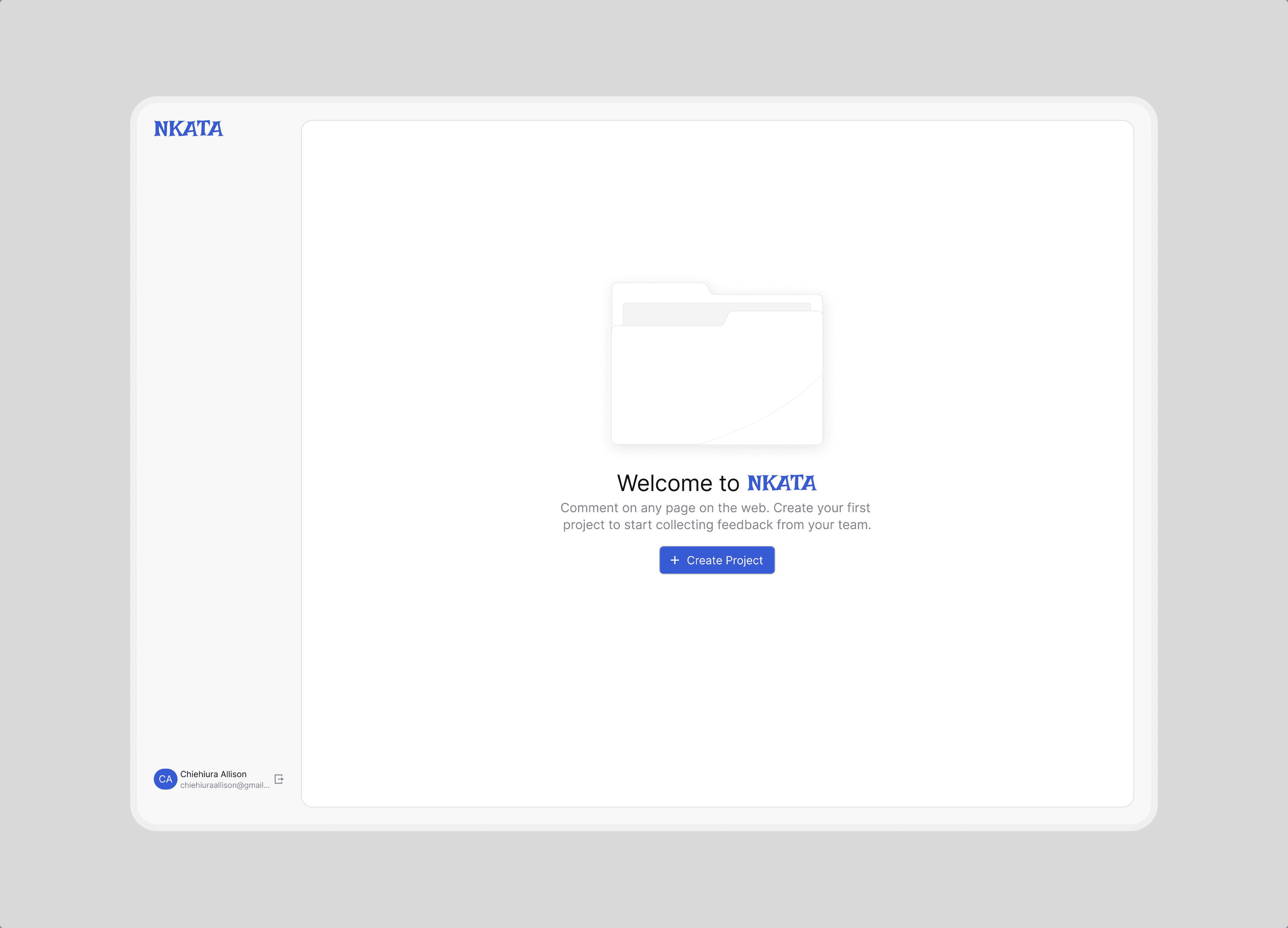
What it does today
- Pin comments to any element on a live page
- Automatic screenshots of where each comment was left
- Threaded replies with @mentions
- Edit, delete, and resolve, with priority and status
- Invite teammates by link or email
- AI summaries of threads and clustering of duplicate comments
- Projects by environment (production, staging, development) with a dashboard overview
Closing thoughts
Nkata started as a fix for a workflow problem my team kept running into, and we used it internally before I shared it. It's still a work in progress, and there's a lot I want to improve. If you work on websites or web apps with a team, try it out and tell me what works and what doesn't.
Next project
PollinLink