ClipQC
Redesigning the core flows of ClipQC, a screen recording and task management tool
UX Designer
ROLE
Web
PLATFORM
2026
YEAR
Closed Beta
STATUS
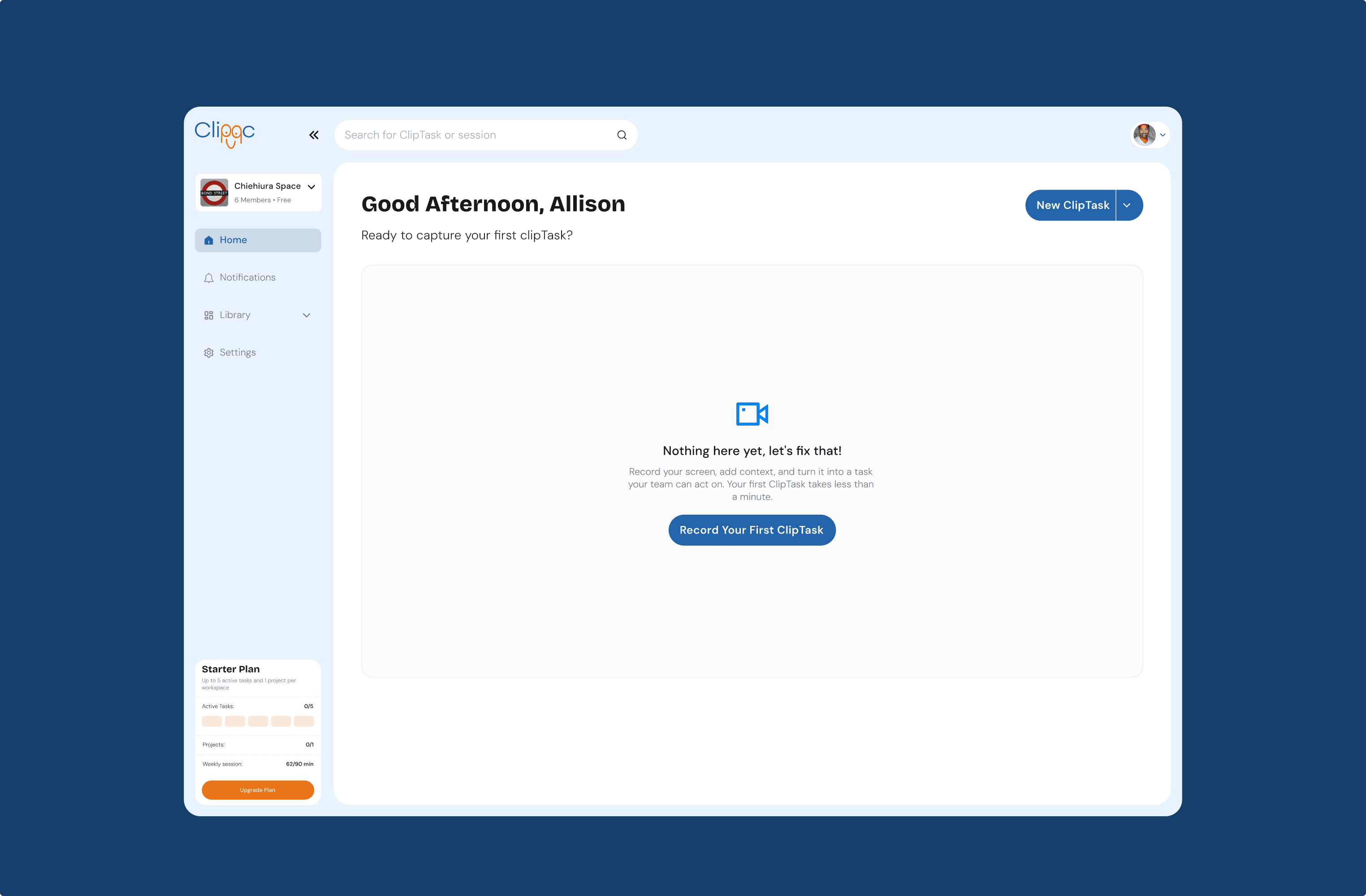
The Challenge
Making the core journey easier to understand
ClipQC already helped teams capture work through screen recordings and turn it into actionable ClipTasks. However, important moments in the journey needed more clarity. New users needed guidance to understand the product, choose a workflow, name a project, and start their first recording with confidence. The recording experience also needed to make project selection, sharing choices, and recording limits clear without distracting users from their work.
The IDEA
Connecting each step of the ClipTask experience.
I approached the ClipTask journey as one connected experience. Users should be able to understand what ClipQC does, set up a project, prepare a recording, capture their work, and save it as a useful task without confusion. The design focused on giving users the right guidance at the right moment, using simple prompts, clear actions, and feedback that supports progress.
My contribution
Improving existing flows through reusable design.
I redesigned and improved key parts of the existing ClipQC experience, including onboarding, workflow selection, project setup, recording setup, screen sharing, countdowns, recording controls, task saving, and recording limit states. I also defined important interaction states across desktop and mobile, including selected, hover, focus, loading, empty, error, and success states. To support engineering handoff, I translated selected designs into reusable interactive components and previews that developers could review and integrate into the product.
the REDESIGN
Redesigning key product workflows
The redesign involved improving several key ClipQC workflows, including the core ClipTask recording experience, onboarding, workflow selection, project setup, recording settings, and task completion. Each workflow was reviewed to identify unclear steps, missing states, and opportunities to make the experience easier for users to understand and complete.
The core ClipTask recording flow : The core ClipTask recording flow is the main way users capture work in ClipQC. It covers the journey from starting a new ClipTask, selecting a project and recording preferences, choosing what to share, recording the screen, and saving the recording as a task.
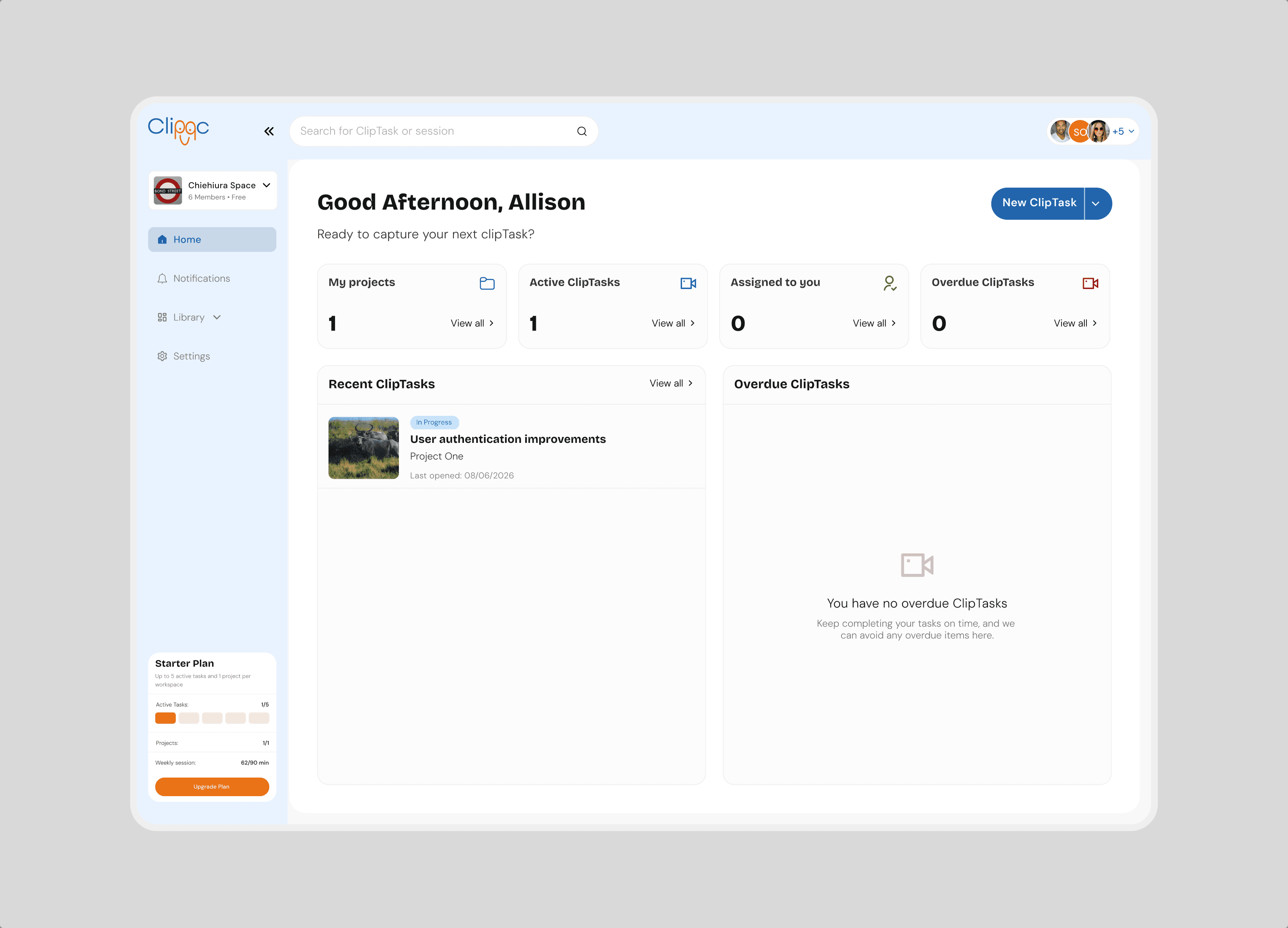
Invite team members : The invite member flow helps workspace owners bring other people into ClipQC so they can collaborate on projects and ClipTasks. The redesign focused on making the invitation process clear, simple, and easy to complete, from entering a member’s details to understanding the status of an invitation.
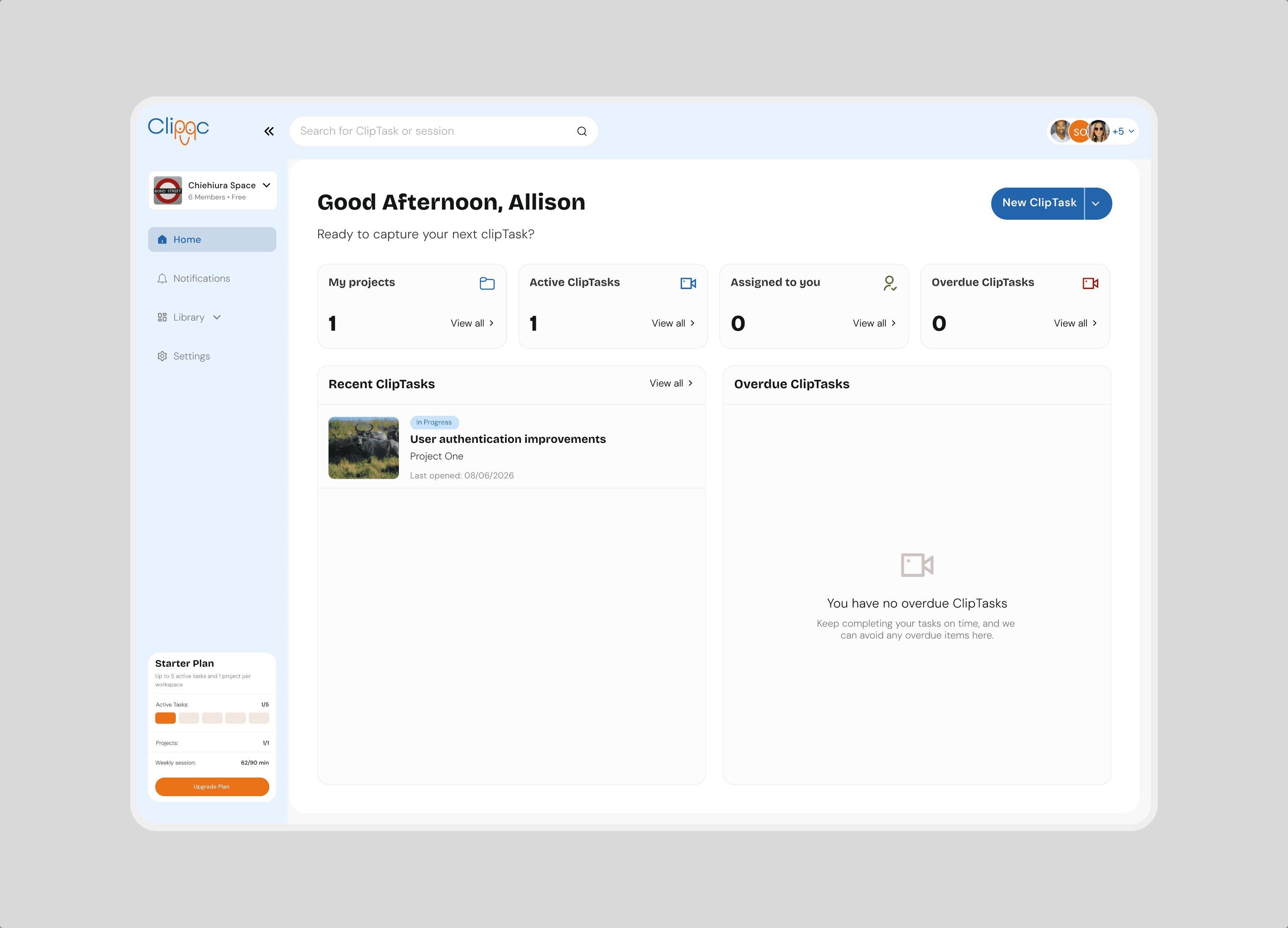
Task details : The task details experience gives users the context they need after a ClipTask has been recorded. It brings together the recording, task title, project, description, assignees, status, and other relevant information in one clear view, making it easier for teams to review, manage, and act on each task.
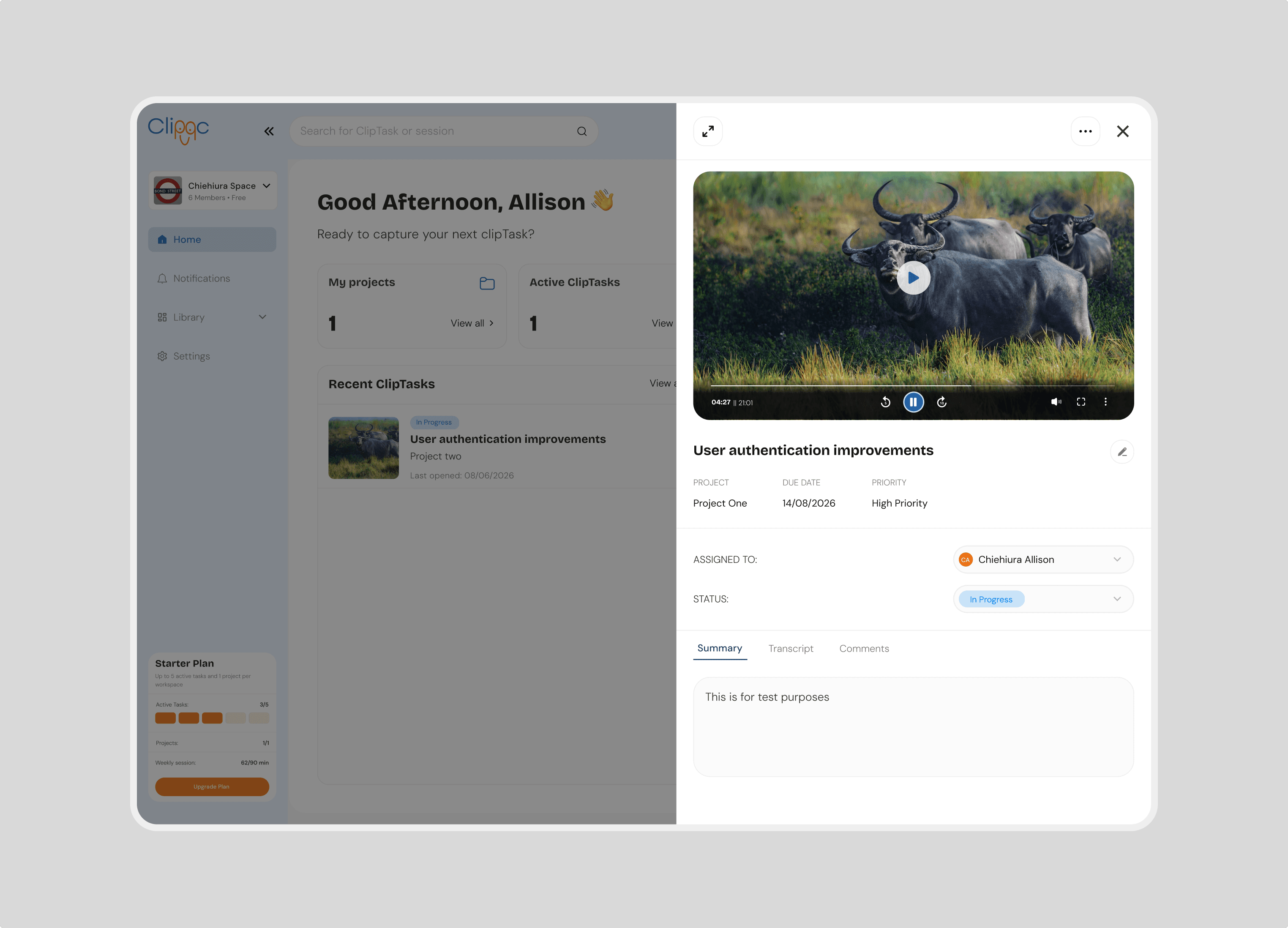
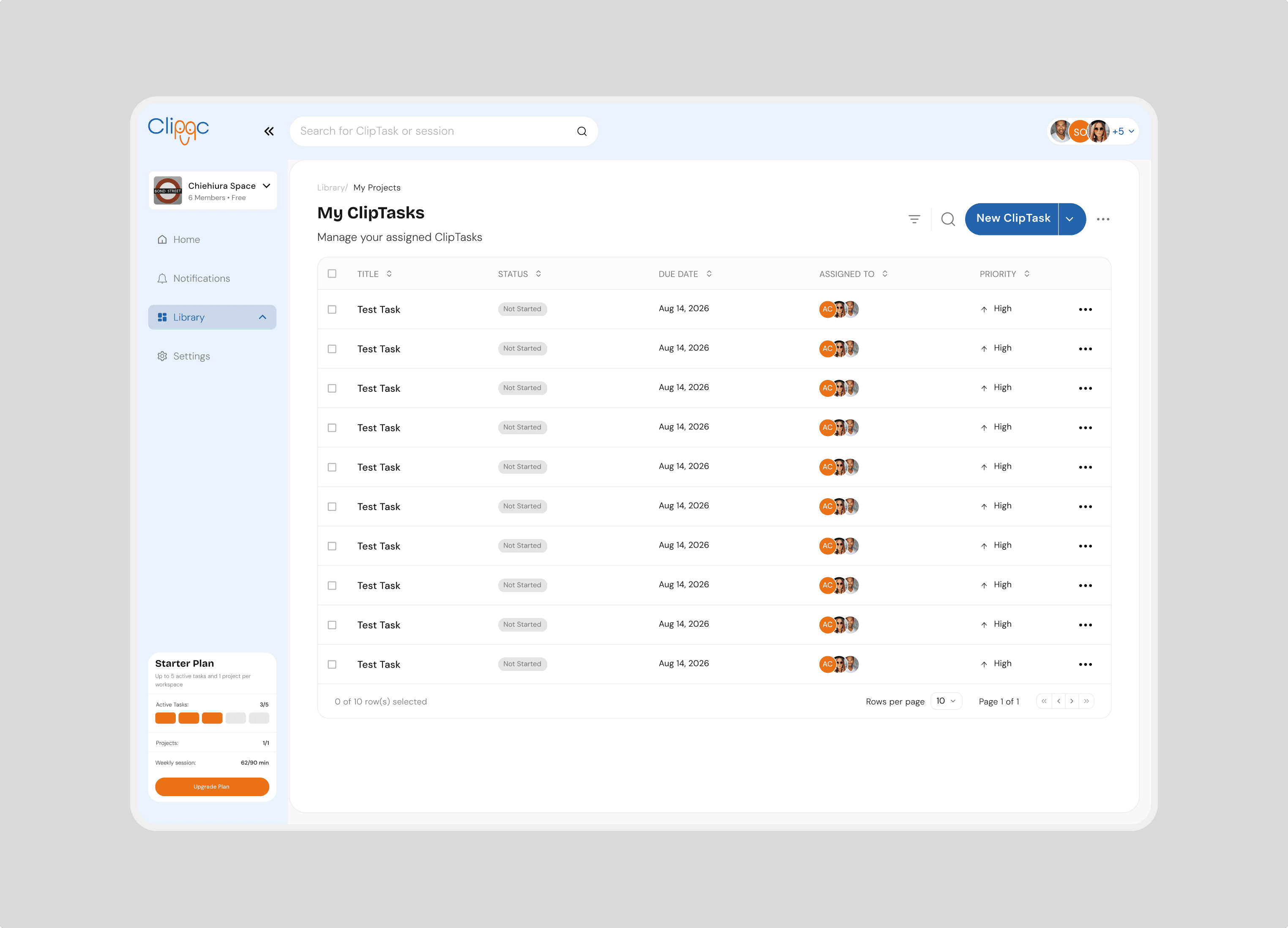
Opening and managing ClipTasks : This work defined the difference between opening a ClipTask and using its secondary actions. Selecting a ClipTask row takes users to its full details, while separate actions allow them to carry out tasks such as editing, sharing, or managing the ClipTask without opening the entire page. This created a clearer and more predictable experience across the task list.
Closing
Beyond the interface
This project taught me how much thoughtful design can shape the way a product feels to use. Behind every simple action, such as starting a recording or creating a task, there are decisions, requirements, and possible edge cases that need to be considered. My role was to make those moments feel clear and intentional for users. It strengthened my ability to simplify complex workflows, design for different user needs, and create experiences that support both the people using the product and the teams building it.
Next project
The Rigby Financial Group